
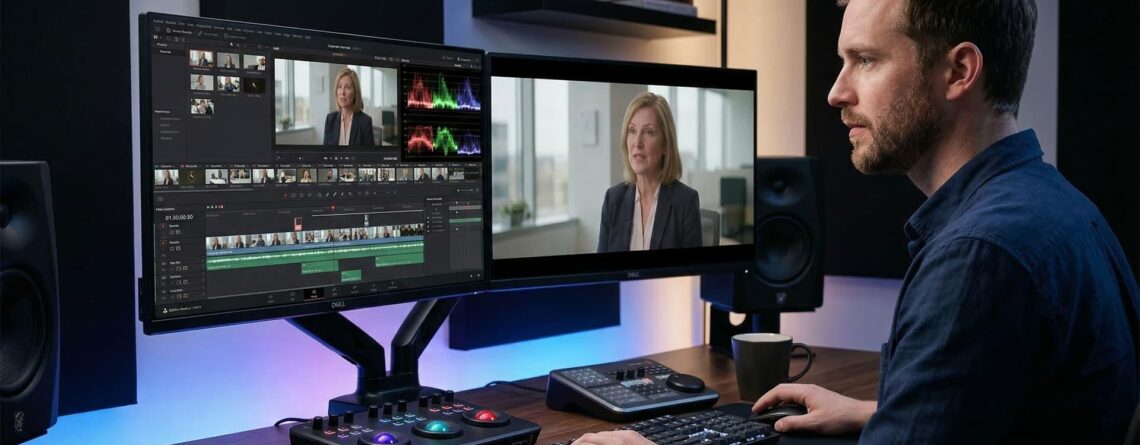
In today’s digital world, video content has become one of the most powerful ways for businesses to connect with their audiences. From Instagram Reels and YouTube videos to product demonstrations and brand promotions, video helps businesses communicate their message, build trust, and attract potential customers.
However, creating a video is only half the job. The real challenge is keeping viewers interested from the first second to the final frame. If your video feels slow, looks unprofessional, or takes too long to deliver its message, viewers may scroll away before discovering what your brand offers.
This is where effective video editing techniques make a difference. The right editing approach can turn ordinary footage into engaging content that captures attention, communicates your message clearly, and encourages viewers to take action.
At Divine Art Lab, we understand that professional video editing is more than cutting clips together. It is about creating a compelling visual experience that helps businesses strengthen their online presence, improve audience engagement, and achieve their marketing goals.
In this guide, we will explore the best video editing techniques to keep your audience engaged and help your video content perform better across digital platforms.
1. Start with a Strong Hook
The first few seconds of your video are crucial. Online audiences often decide quickly whether a video is worth watching, especially on platforms such as Instagram, Facebook, and YouTube.
A strong hook immediately gives viewers a reason to stay.
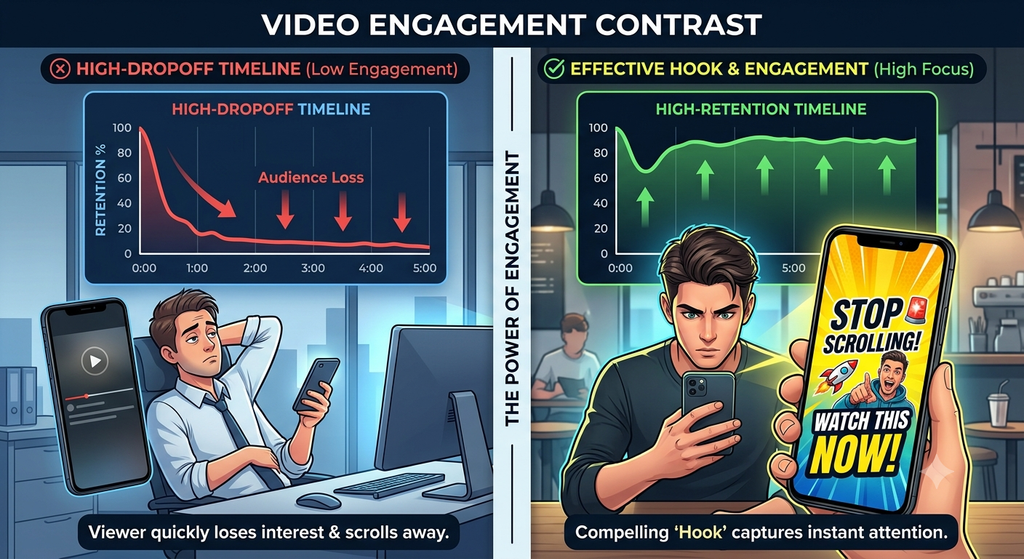
How to create an effective video hook:
- Start with an interesting question or surprising statement.
- Show the most exciting moment near the beginning.
- Highlight a common problem your target audience faces.
- Use a visually engaging opening shot.
- Clearly communicate what viewers will gain by watching.
For example, instead of beginning a business video with a long company introduction, start with a question such as, “Is your website losing potential customers?” This immediately connects with a relevant audience and creates curiosity.
Pro tip: Remove unnecessary introductions and get to the main point quickly. A focused opening can make your video more compelling.
2. Use Fast-Paced Editing Without Overdoing It
Pacing plays an important role in maintaining viewer attention. Long pauses, repetitive shots, and unnecessary footage can make a video feel slow and reduce engagement.
Fast-paced editing helps maintain momentum by removing distractions and keeping the content moving.
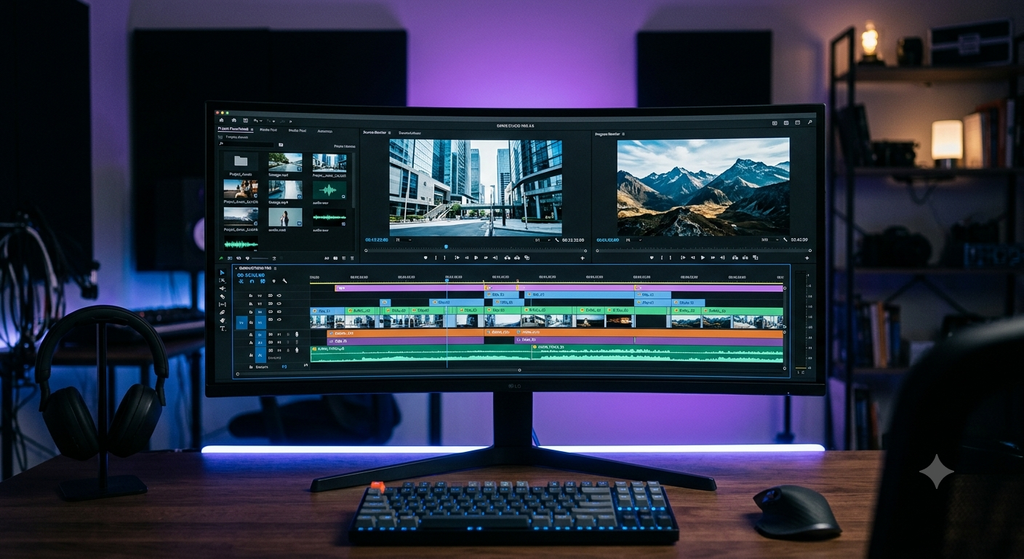
You can improve pacing by:
- Removing awkward pauses and repeated information.
- Cutting between relevant shots at the right moments.
- Using jump cuts to make talking-head videos more dynamic.
- Changing camera angles or visuals when appropriate.
- Matching the editing speed to the mood of the content.
For example, a promotional Reel for a product can benefit from quick transitions and short clips, while an educational video may need a slower pace to explain complex information clearly.
Remember, good editing is not always about making everything fast. It is about maintaining the right rhythm for your audience and message.
3. Add Captions and On-Screen Text
Many people watch social media videos without sound, particularly when browsing in public places or during work breaks. If your video depends entirely on audio, viewers may miss important information.
Adding captions and on-screen text makes your content easier to understand and more accessible.
Best practices for video captions:
- Use clear, readable fonts.
- Keep text short and easy to follow.
- Highlight important words or phrases.
- Maintain strong contrast between text and background.
- Position captions where they do not cover important visuals.
- Check spelling and synchronize captions with the spoken words.
On-screen text can also emphasize product benefits, explain statistics, or highlight important calls to action.
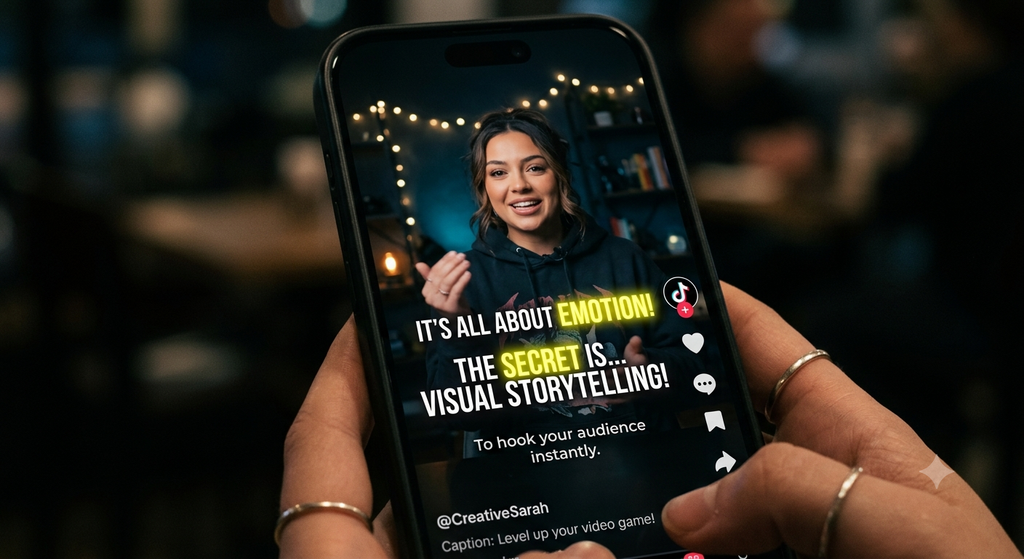
For example, a fitness brand can display phrases such as “Build Strength,” “Improve Consistency,” or “Start Today” while showing relevant footage.
Captions help viewers follow your message even when they cannot hear the audio, making them a valuable part of professional video editing.
4. Use Transitions That Support Your Story
Transitions help connect different clips and create a smooth viewing experience. However, using too many flashy effects can distract viewers from your message.
The best transitions complement the content rather than compete with it.
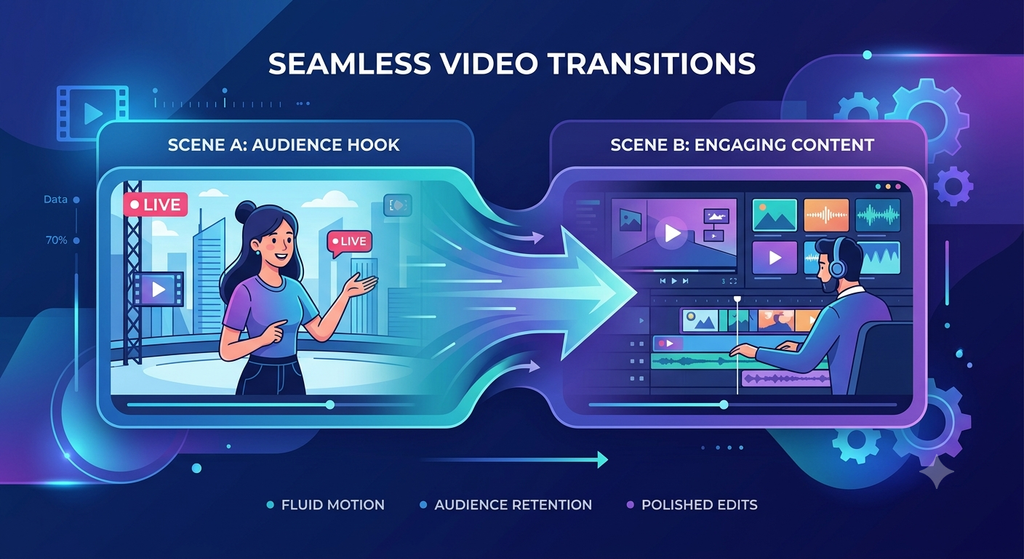
Some useful video transition techniques include:
- Cut transitions: Ideal for clean, direct storytelling.
- Match cuts: Connect two visually similar shots to create continuity.
- Whip transitions: Add energy to suitable promotional or lifestyle videos.
- Fade transitions: Create a smooth beginning, ending, or change in mood.
- Zoom transitions: Add movement and energy when used appropriately.
Choose transitions according to your brand identity and video style. A corporate presentation generally benefits from clean, subtle transitions, while a creative product Reel may allow more dynamic effects.
The goal is to make the video feel natural, polished, and easy to watch.
5. Choose the Right Background Music and Sound Effects
Audio has a powerful influence on how viewers experience video content. The right music can create excitement, build emotional connections, and make a brand message more memorable.
Poor audio choices, on the other hand, can distract viewers and make even high-quality footage feel unprofessional.
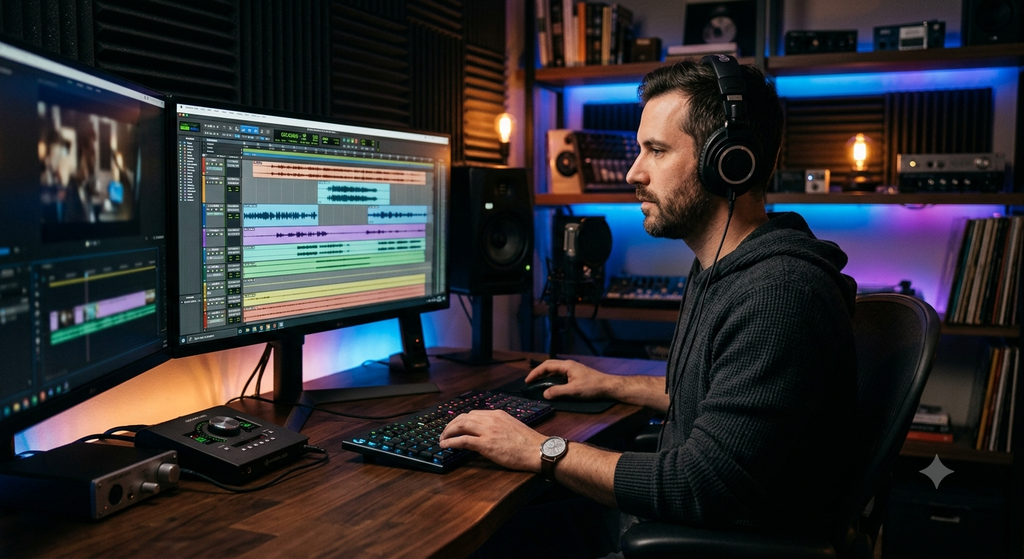
To improve your video audio:
- Select music that matches the video’s mood.
- Keep background music lower than dialogue.
- Use sound effects to emphasize important actions.
- Remove unwanted background noise where possible.
- Maintain consistent audio levels between clips.
- Use licensed music or audio that you are authorized to use.
For example, energetic music may suit a product launch or fitness campaign, while softer instrumental music may work better for a luxury brand or emotional storytelling video.
Pro tip: Do not rely on music alone to create engagement. Make sure the dialogue, visuals, and sound effects work together to support your message.
6. Use B-Roll Footage to Make Videos More Interesting
B-roll refers to supplementary footage that supports the main video. It is particularly useful in interviews, tutorials, business presentations, and educational content.
Instead of showing the same speaker throughout an entire video, you can introduce relevant visuals that illustrate what they are discussing.
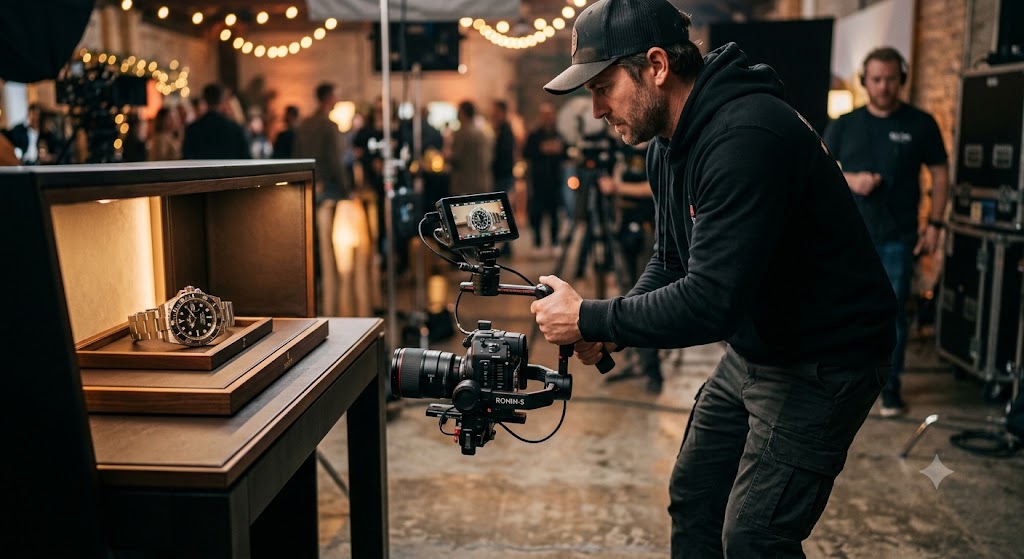
For example, if a business owner is explaining how a product works, you can show close-up product shots, demonstrations, customer interactions, or behind-the-scenes footage.
B-roll helps you:
- Break up long talking-head sequences.
- Explain ideas visually.
- Cover edits between different sections.
- Add context and detail.
- Maintain visual variety.
The most effective B-roll is relevant to the story. Avoid inserting random stock footage simply to make a video look busier.
7. Apply Colour Correction and Colour Grading
Visual consistency helps your content look professional and reinforces your brand identity.
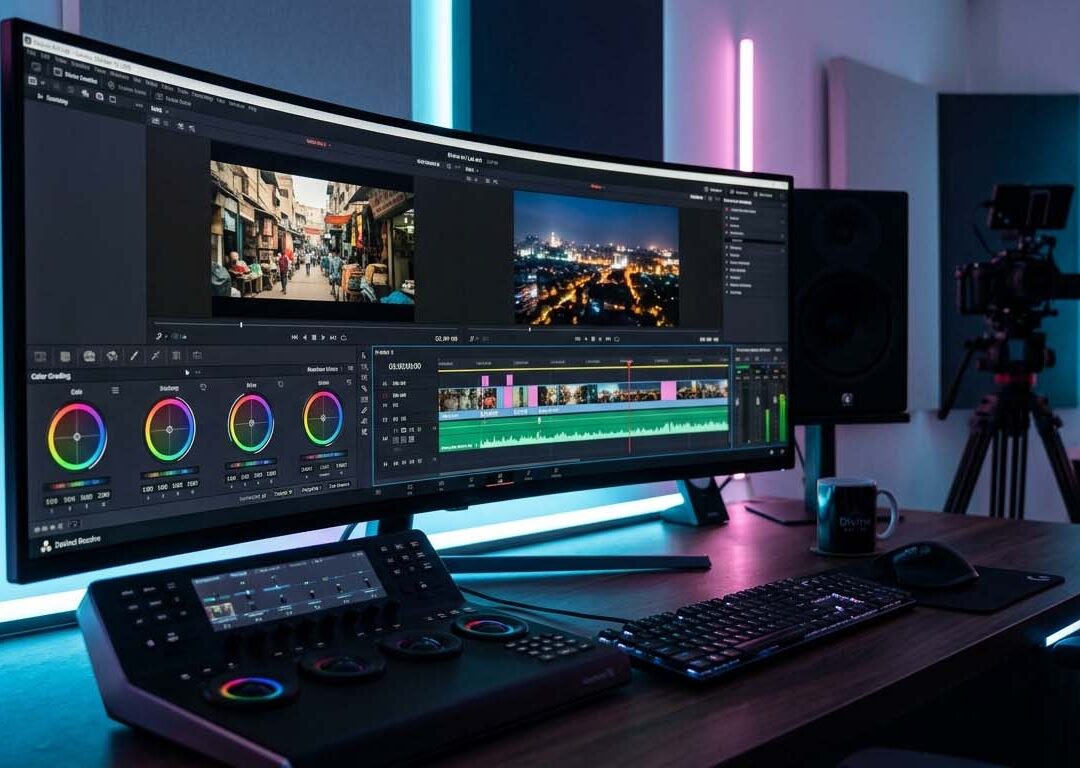
Colour correction fixes technical issues such as incorrect white balance, inconsistent exposure, and unwanted colour casts. Colour grading adds a particular visual mood or style to the footage.
These techniques help create a cohesive appearance across different clips.
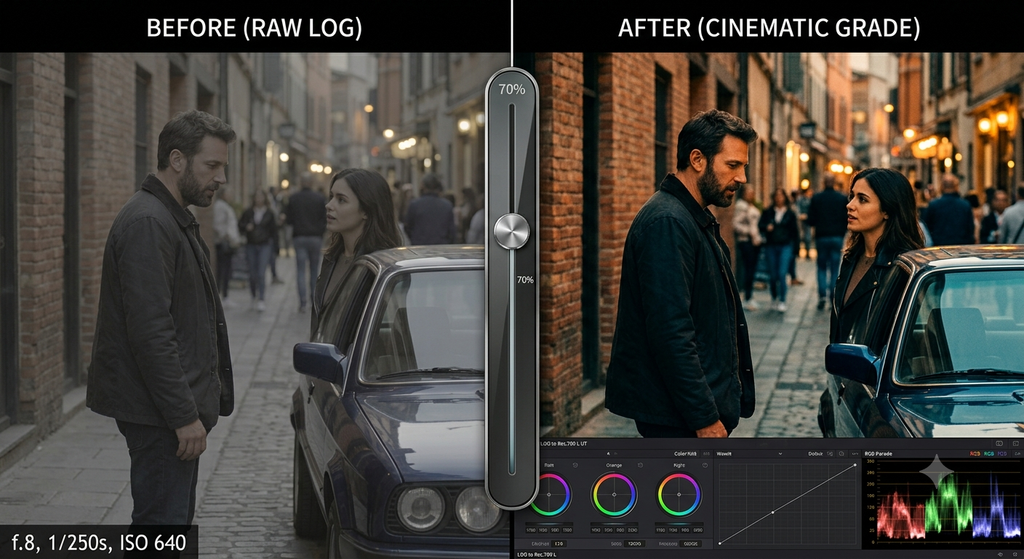
How to improve video colours:
- Correct exposure and white balance first.
- Keep skin tones natural.
- Maintain consistent colours between shots.
- Use contrast carefully to improve visual clarity.
- Apply a colour style that complements your brand.
- Avoid excessive saturation or unrealistic skin tones.
For instance, a corporate brand may prefer a clean, natural look, while a cinematic brand film may use a more dramatic colour palette.
Professional colour correction and grading make videos more visually appealing without sacrificing authenticity.
8. Use Motion Graphics and Visual Effects Strategically
Motion graphics can simplify information and make complex ideas easier to understand. They include animated text, icons, charts, titles, logos, and other graphic elements.
When used effectively, these elements help guide the viewer’s attention and reinforce key messages.
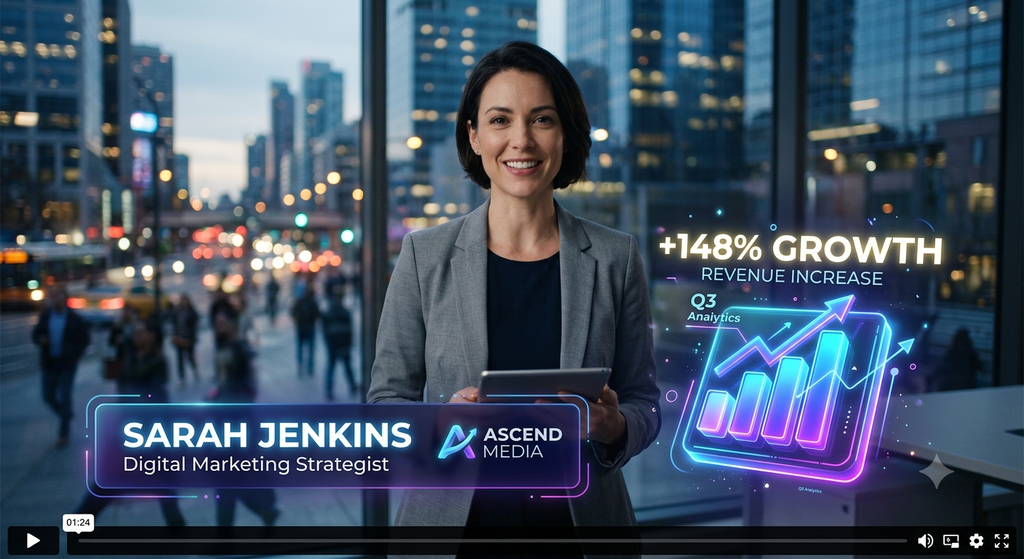
Motion graphics are especially useful for:
- Explainer videos.
- Product demonstrations.
- Educational content.
- Corporate presentations.
- Social media advertisements.
- Data-driven marketing videos.
For example, an animated statistic can make an important business result easier to understand than a lengthy spoken explanation.
However, avoid filling every scene with animations and effects. Use them when they add clarity, emphasize an important point, or improve the storytelling experience.
9. Optimize Video Format for Each Platform
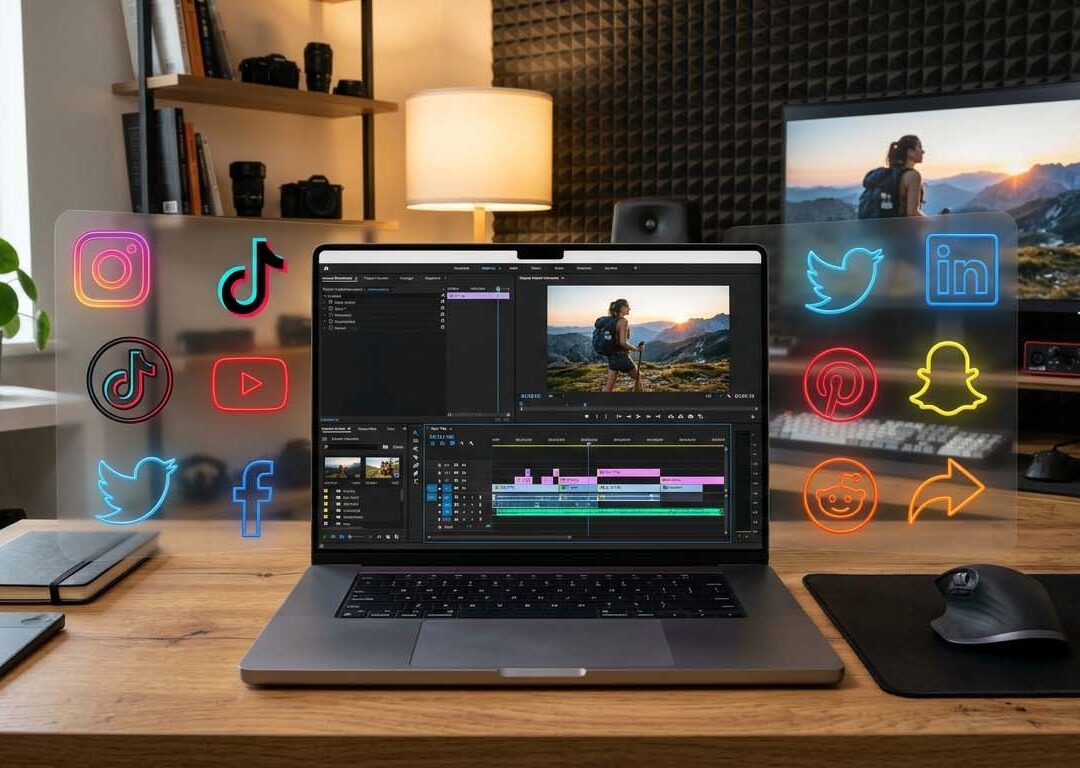
A video that performs well on YouTube may not deliver the same results on Instagram Reels or TikTok. Each platform has different viewing habits, screen layouts, and content expectations.
Optimizing your video format helps viewers watch your content comfortably on their preferred devices.
Here are some common formats:
| Platform or content type | Recommended format | Best use |
|---|---|---|
| Instagram Reels | Vertical 9:16 | Short-form videos and promotions |
| YouTube Shorts | Vertical 9:16 | Short, engaging videos |
| YouTube standard videos | Horizontal 16:9 | Tutorials, interviews, and long-form content |
| Website hero videos | Depends on the layout | Brand storytelling and visual introductions |
| LinkedIn videos | Often 1:1, 4:5, or 16:9 | Business updates and professional content |
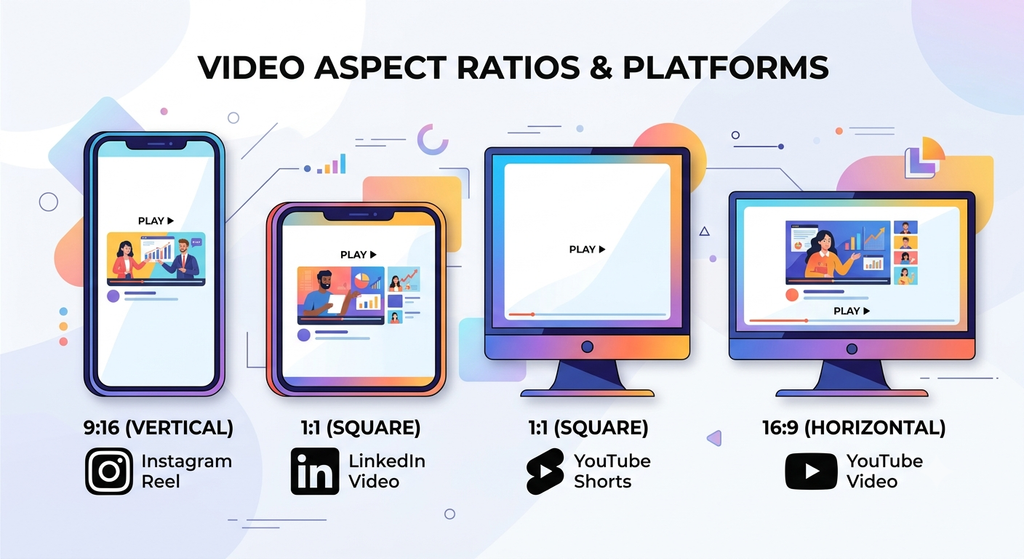
Always check the platform’s current specifications before exporting. Keep important text, faces, and products within the safe viewing area so that platform interface elements do not cover them.
Also, make sure your video has suitable resolution, clear audio, and a manageable file size.
10. Tell a Story Instead of Just Showing Clips
People are more likely to connect with content when it tells a clear and meaningful story.
Even a short promotional video can follow a simple narrative: introduce a problem, show the solution, and explain the benefit.
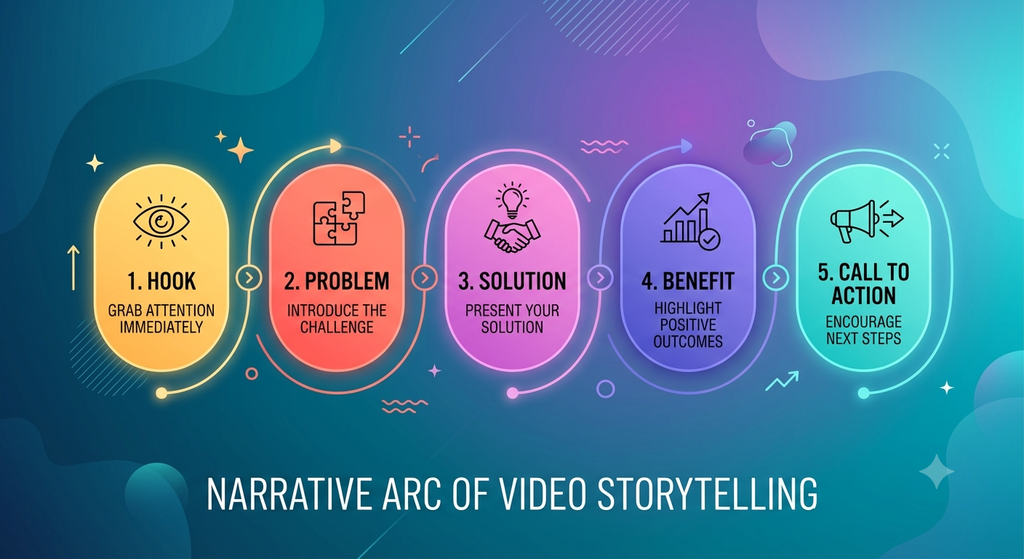
A practical storytelling structure is:
- Hook: Capture attention with a question, problem, or interesting visual.
- Problem: Show a challenge your audience understands.
- Solution: Present your product, service, or idea.
- Benefit: Explain how it helps the viewer.
- Call to action: Encourage the next step.
For example, a website development company could begin by showing a slow, outdated website, demonstrate a modern and mobile-friendly redesign, and finish by inviting viewers to request a website consultation.
This approach makes the video more relevant to the audience and helps viewers understand why the message matters to them.
11. Keep Your Videos Concise and Valuable
Longer videos are not necessarily less engaging, and shorter videos are not automatically more effective. The ideal length depends on the topic, audience, platform, and purpose.
The key is to make every second valuable.
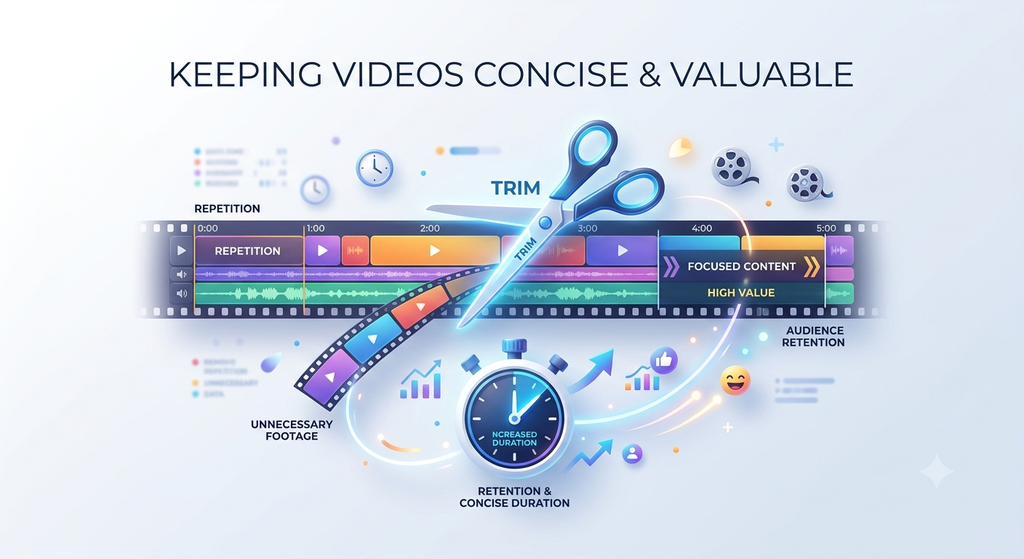
To keep videos focused:
- Remove repetitive statements.
- Avoid unnecessary introductions.
- Break complex information into clear sections.
- Use visuals to explain points efficiently.
- Maintain a logical flow between scenes.
- End when the message has been delivered.
Short-form videos often benefit from a focused, immediate message. Tutorials, interviews, and educational videos can be longer when they provide genuine value throughout.
Rather than cutting content just to reach an arbitrary duration, prioritize clarity, relevance, and audience interest.
12. Add a Clear Call to Action
A video can attract attention and communicate your message, but viewers may still need guidance on what to do next.
A clear call to action (CTA) connects engagement with your business objectives.
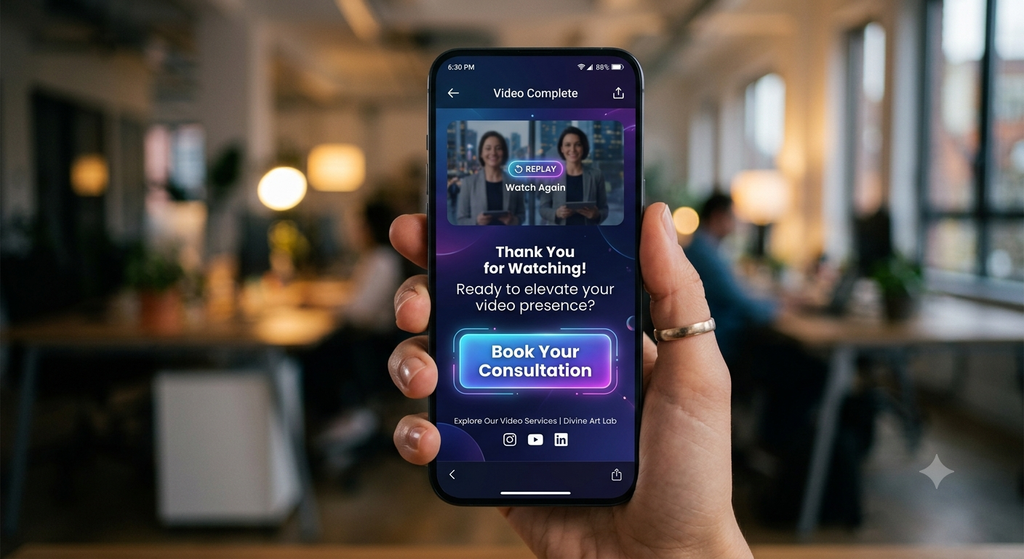
Depending on your goal, you might ask viewers to:
- Visit your website.
- Follow your social media page.
- Share their thoughts in the comments.
- Explore a product or service.
- Subscribe to your channel.
- Contact your team for more information.
- Book a consultation or request a demo.
For example, a video promoting website development services could end with: “Ready to improve your online presence? Contact Divine Art Lab to discuss your website project.”
Make your CTA relevant to the content and easy to understand. Avoid adding too many competing actions to the same video.
13. Analyze Video Performance and Improve Your Editing
Video editing should not end when the final file is exported. Reviewing performance data helps you understand what captures attention and where viewers lose interest.
Depending on the platform and campaign, useful metrics include:
- Average watch time: How long people watch your video on average.
- Audience retention: How viewing behaviour changes throughout the video.
- Completion rate: The proportion of viewers who reach the end, where reported.
- Engagement rate: Interactions relative to the platform’s chosen measurement.
- Click-through rate: How often people click a link or call to action after seeing it.
- Conversions: Actions such as inquiries, sign-ups, or purchases.
Use these insights to test different hooks, opening shots, video lengths, caption styles, and calls to action.
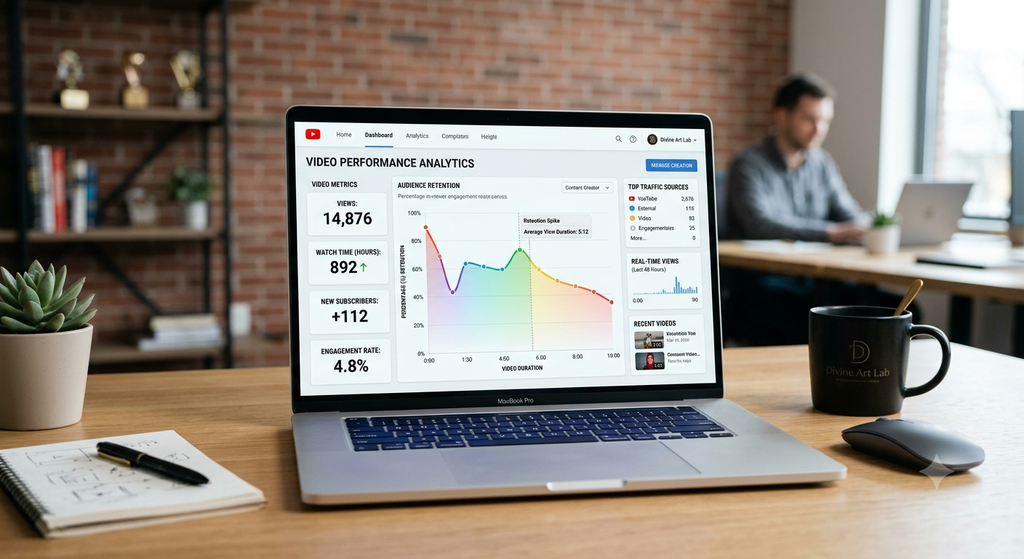
For example, if viewers consistently leave during a lengthy introduction, experiment with starting the next video with the most valuable information.
Performance metrics vary by platform, so compare similar videos and use the metrics most relevant to your marketing objective.
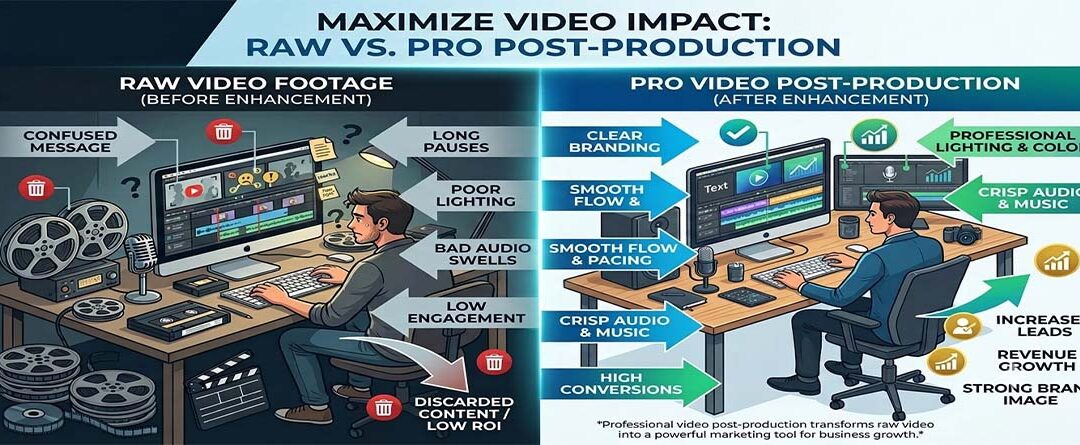
Why Professional Video Editing Matters for Your Business
Professional video editing brings together storytelling, visuals, sound, pacing, and brand
consistency to create content that communicates effectively.
For businesses, this can support several important goals:
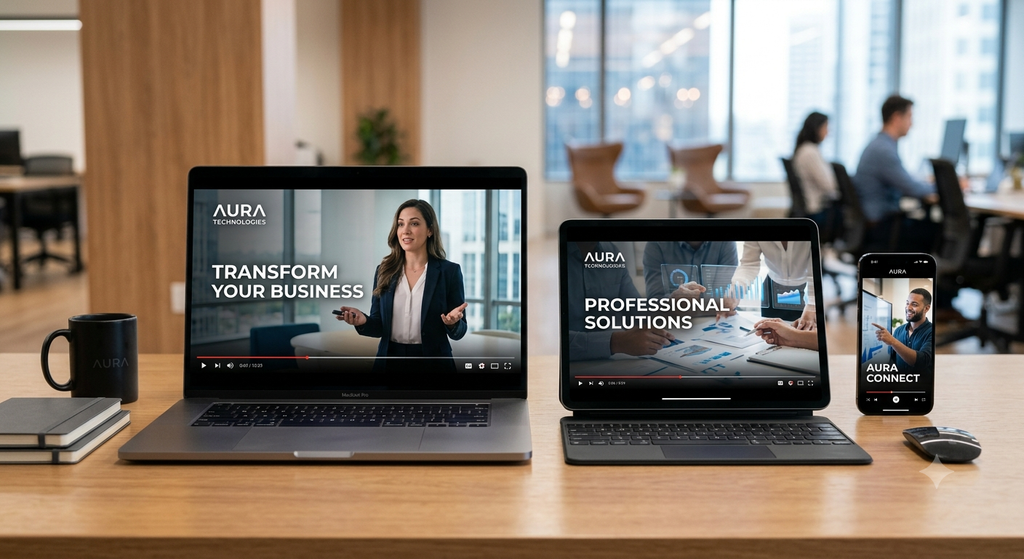
- Stronger brand image: Consistent, polished videos help present your business professionally.
- Better audience experience: Clear visuals and well-paced storytelling make information easier to follow.
- Improved social media content: Platform-optimized videos are better suited to the way audiences consume content.
- Clearer communication: Captions, graphics, and B-roll help explain products and services.
- Marketing support: Videos can introduce your brand, educate potential customers, and encourage inquiries.
- Consistent brand identity: Repeated visual and audio choices help audiences recognize your content.
Results depend on the quality of the content, its relevance to the target audience, distribution, and the overall marketing strategy. Professional editing is an important part of the process, but it works best alongside a clear message and a defined objective.
How Divine Art Lab Helps Create Engaging Video Content
At Divine Art Lab, we help businesses transform raw footage and creative ideas into polished video content designed for digital platforms.
Our video editing approach focuses on visual storytelling, audience attention, brand consistency, and business objectives. Whether you need social media Reels, promotional videos, product videos, interviews, or business content, our goal is to help communicate your message effectively.
Our video editing services can include:
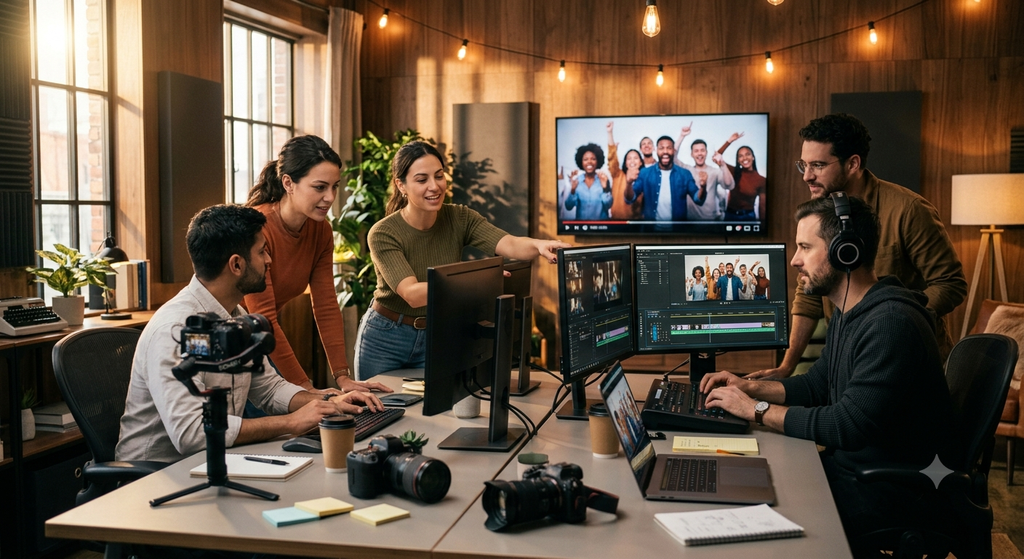
- Professional cuts and seamless transitions.
- Captions and animated text.
- Background music and sound enhancement.
- Colour correction and grading.
- Motion graphics and visual effects.
- Platform-specific video resizing and formatting.
- Brand-focused editing and storytelling.
We believe effective video content should do more than look good. It should communicate value, connect with the right audience, and support your business goals.
If you want to improve the quality of your video content, Divine Art Lab can help you develop a more consistent and professional approach to video marketing.
Conclusion
Keeping your audience engaged requires more than attractive footage. It takes thoughtful editing, a compelling opening, effective pacing, clear captions, appropriate music, relevant visuals, and a meaningful story.
By applying these video editing techniques, businesses can create content that is easier to watch, more effective at communicating ideas, and better aligned with their marketing goals.
Remember to optimize videos for each platform, keep your message focused, and review performance data to discover what works best for your audience.
Ready to make your videos more engaging? Connect with Divine Art Lab for professional video editing services that help your brand communicate better and stand out in the digital world.
Frequently Asked Questions (FAQs)
1. What are the best video editing techniques for audience engagement?
The most useful techniques include strong opening hooks, clean cuts, effective pacing, captions, relevant B-roll, suitable background music, colour correction, and clear calls to action.
2. How does video editing improve audience retention?
Video editing removes unnecessary footage, maintains a logical flow, adds visual variety, and helps viewers follow the message. These improvements can support better audience retention when the content is relevant and valuable.
3. Are captions important for social media videos?
Yes. Captions help viewers understand videos when audio is unavailable or muted. They can also improve accessibility and reinforce important messages.
4. What is the ideal length for an engaging video?
There is no single ideal length. Short-form content often benefits from a focused message, while tutorials, interviews, and educational videos can be longer when they continue to provide value.
5. Which video editing techniques are best for business promotion?
Strong hooks, benefit-focused storytelling, professional visuals, clear captions, consistent branding, suitable music, and relevant calls to action are useful for business promotional videos.
6. Can professional video editing help grow a business?
Professional video editing can help businesses present their products and services clearly, maintain a consistent brand image, and support marketing campaigns. Business growth depends on several factors, including content quality, audience targeting, distribution, and the offer itself.
7. Why should businesses choose Divine Art Lab for video editing?
Divine Art Lab focuses on creating polished, brand-aligned video content for digital platforms. Services can include social media video editing, promotional videos, captions, transitions, colour grading, and motion graphics tailored to business goals.

Leave a Reply